POS & Payments.
Counter and online, one number — built here, run from the same dashboard as everything else you have with us, and switched on only if you use it.
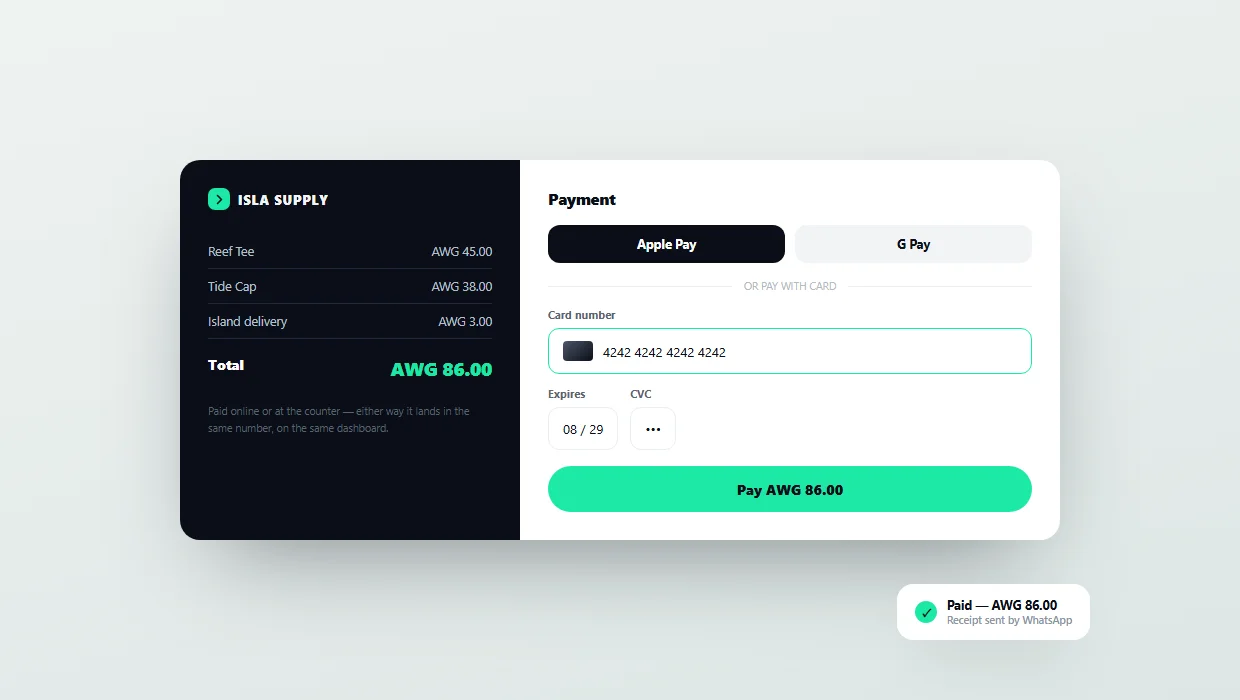
- Online payments
- Receipts
- Dashboards
The situation this is for.
The till says one thing, the online orders say another, and the stock count agrees with neither. At the end of the day somebody reconciles three numbers by hand and the difference is written off as close enough.
Not a promise. A list.
Three steps, in this order.
We start from the till you use and what it can and cannot talk to
Connect the counter and the shop so a sale is a sale wherever it happened
Then the reporting, so closing is reading a number rather than producing one
Usually not. The first thing we check is whether what you have can be connected, and replacing hardware is the last option, not the opening quote.
Whether it fits your business. That depends on how you actually work, which we cannot know from here — it is the first thing we ask on the call, and the reason the call is free.
Let's talk about it.
Fifteen minutes. You leave with a plan and a number, whether or not you hire us.
Opens WhatsApp with the details written out, so you can read it before it sends. Nothing is confirmed until we reply.